Put every photo
on the map.
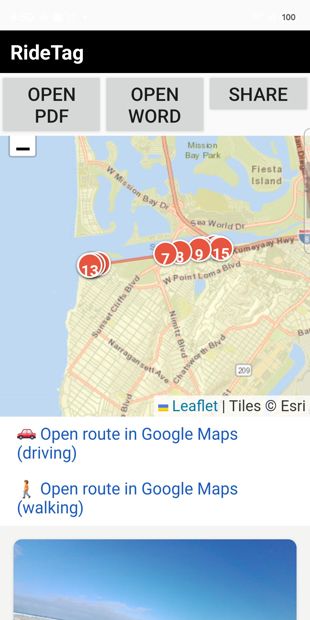
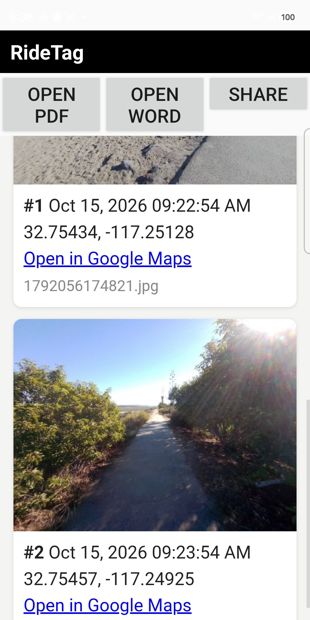
RideTag records your GPS track and tags your photos to where they were taken — even shots from smart glasses and action cams that have no GPS chip of their own. Then it builds a shareable report with an interactive map.
See it. Try it in minutes.
RideTag Pro is the full tool; RideTag Lite is free to start. Two apps for location-aware photos and reports — travel, inspections, and footage from smart glasses or action cams.
RideTag Pro
The complete RideTag. Turn any set of photos — including footage from smart glasses and action cams that have no GPS of their own — into an organized, shareable report with an interactive map and zoomable images.
- Tag photos from smart glasses & action cams (no GPS chip needed)
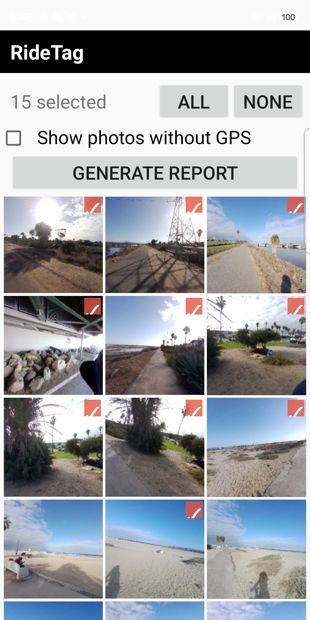
- Build reports from any geotagged photos
- Export as PDF, HTML and Word
- Interactive map and zoomable lightbox photos
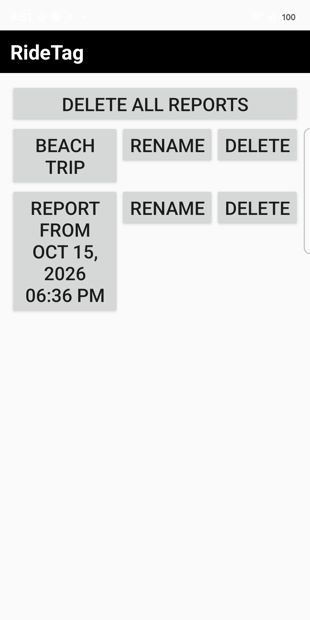
- Report history, no branding on your reports
- Optional: use your own Cloudflare R2 for short links
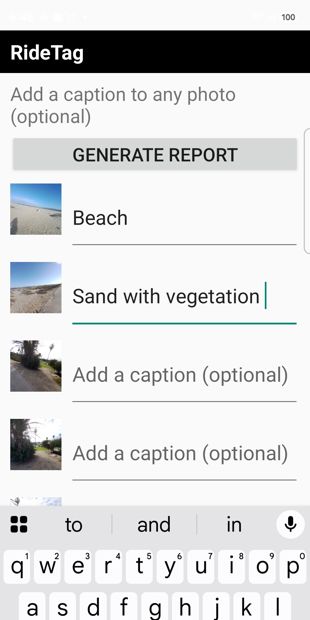
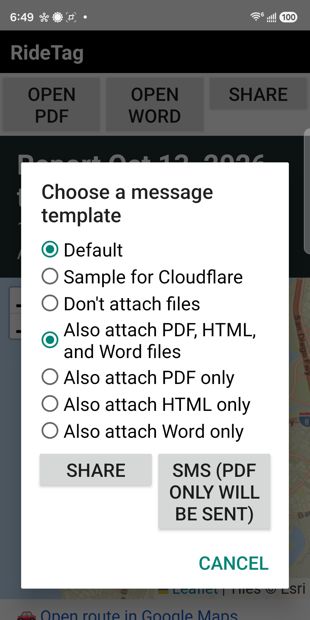
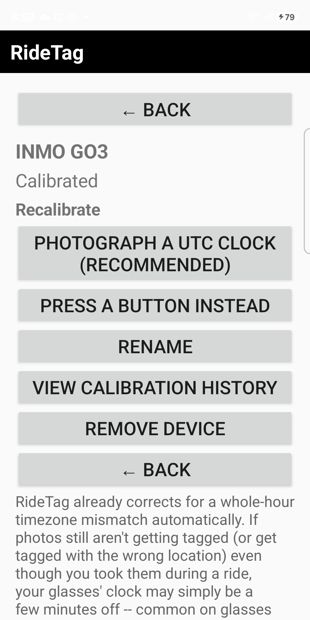
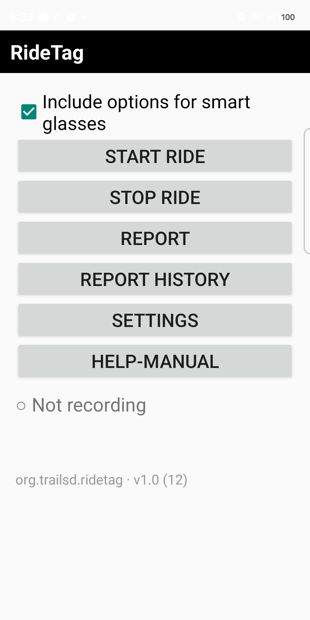
Swipe or use the arrows ← →
How to try RideTag Pro — it's a private (closed) test
- Join the testers group. Open the group, click Join group (top-right), then Join group again in the small popup. It's instant and one-time.
- Become a tester on Google Play. Open the test link and tap Become a tester.
- Install the app. On the next screen tap Install the public version on Google Play, then install it like any other app.
RideTag Lite
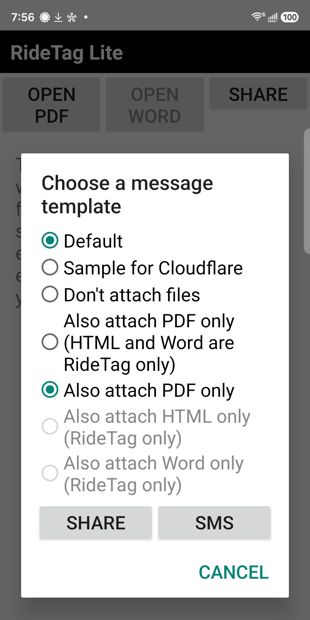
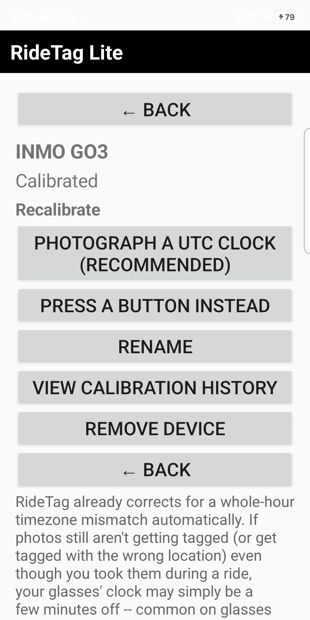
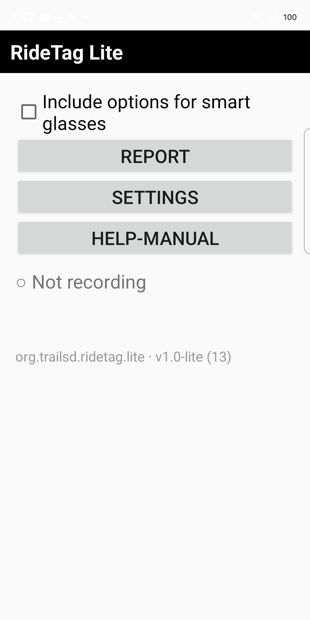
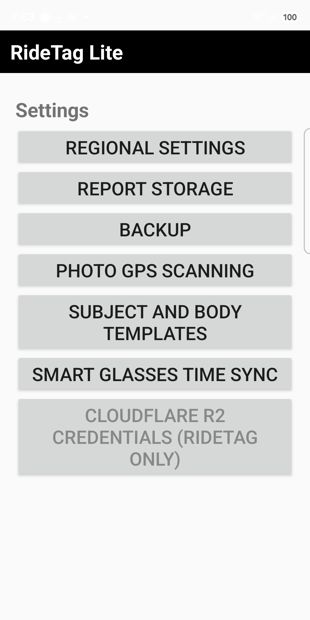
Free to start. Record a GPS track during an activity, match your photos to where they were taken, and build a shareable report with a map.
- Record a GPS track during an activity
- Match your photos to recorded locations
- Build and share photo reports with a map
- PDF and HTML report formats
- Free — up to 10 photos per report
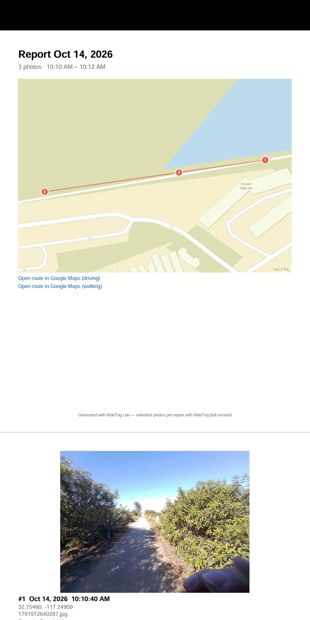
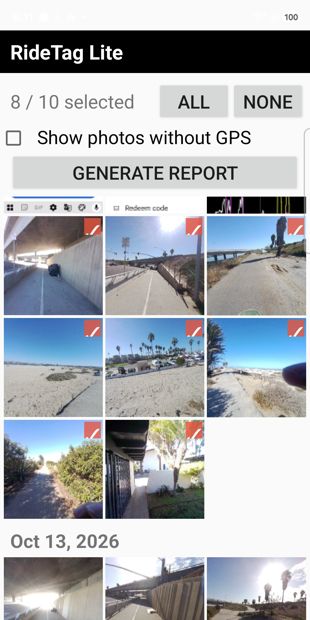
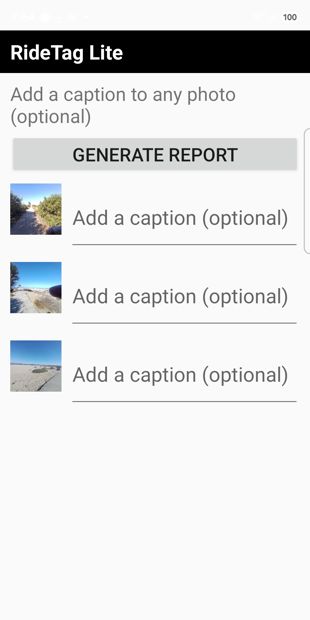
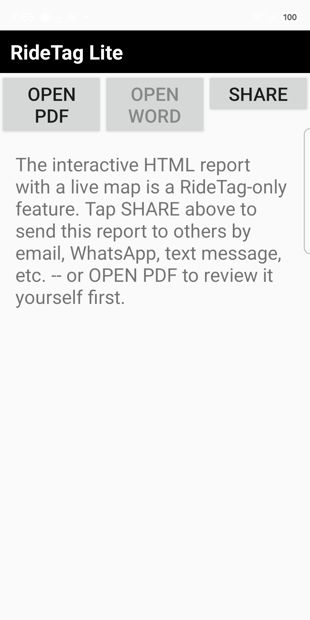
Swipe or use the arrows ← →
How to try RideTag Lite — it's a private (closed) test
- Join the testers group. Open the group, click Join group (top-right), then Join group again in the small popup. It's instant and one-time.
- Become a tester on Google Play. Open the test link and tap Become a tester.
- Install the app. On the next screen tap Install the public version on Google Play, then install it like any other app.
Your photos, anchored to where and when.
RideTag connects photographs, locations, and time into reports that are practical to review and share.
Location on every photo
Record a GPS track and tag your photos to where they were taken — including photos from devices that have no GPS of their own.
Reports you can share
Build organized reports with photos, timestamps, and an interactive map. Export to PDF, HTML and Word (Pro).
Privacy-conscious by design
Photo and GPS processing is primarily on-device. Sharing and optional third-party services depend on the features you choose.
Questions about RideTag?
Happy to help you get set up as a tester. Email us at [email protected].